How to open one
- Go to my.electrumhosting.com and open Tickets → Create Ticket (or go straight to
my.electrumhosting.com/tickets/create). - Subject: one sentence describing the problem. "FiveM not showing in the list" helps more than "urgent help".
- Department: Support for technical problems; Sales for commercial questions, before buying or about billing.
- Priority: Low, Medium or High. Use High when the server is down.
- Service: pick the affected server. That way we know which one you mean without asking.
- Write your message, attach screenshots if they help (files up to 10 MB) and click Create.
Replies reach you by email and appear in the ticket itself, where you can keep answering.
What to include to get it solved first time
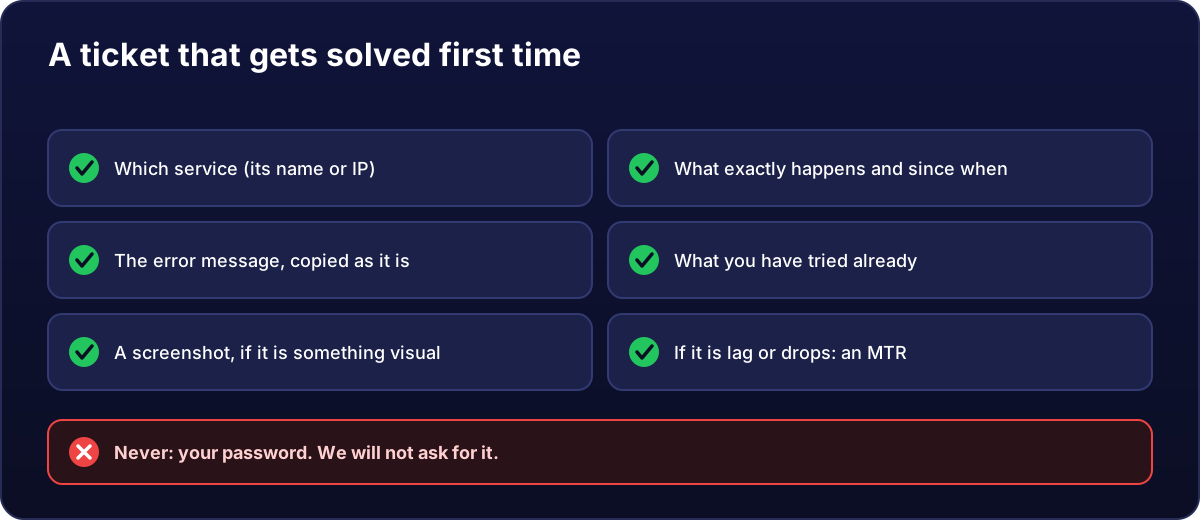
- What exactly happens and since when. "Since 21:40 players disconnect every 5 minutes" is gold.
- The error message, copied as it is, or a screenshot.
- What you have already tried, so we do not ask you for the same thing.
- If it is slow or dropping: an MTR taken while it happens.
What you must never send us
Your passwords. Neither your account's nor the server's: we will never ask for them, by ticket or any other channel. If someone asks for them in our name, it is not our team.
Before writing, in case it is quick
- Server not responding? Go through my VPS is not responding.
- Could it be something general? Check the service status for incidents or maintenance.
- And search this help centre: many questions already have a step-by-step guide.